Category: Microsoft Excel

Tutorials and articles about Microsoft Office Excel

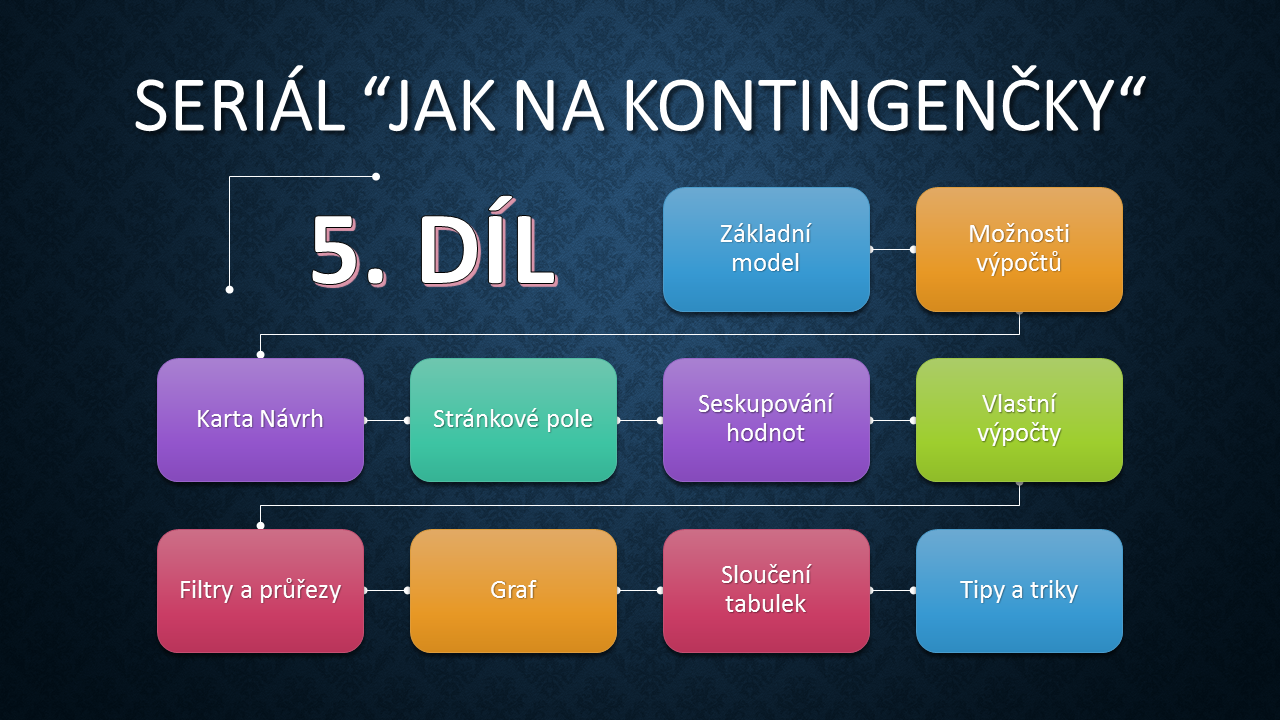
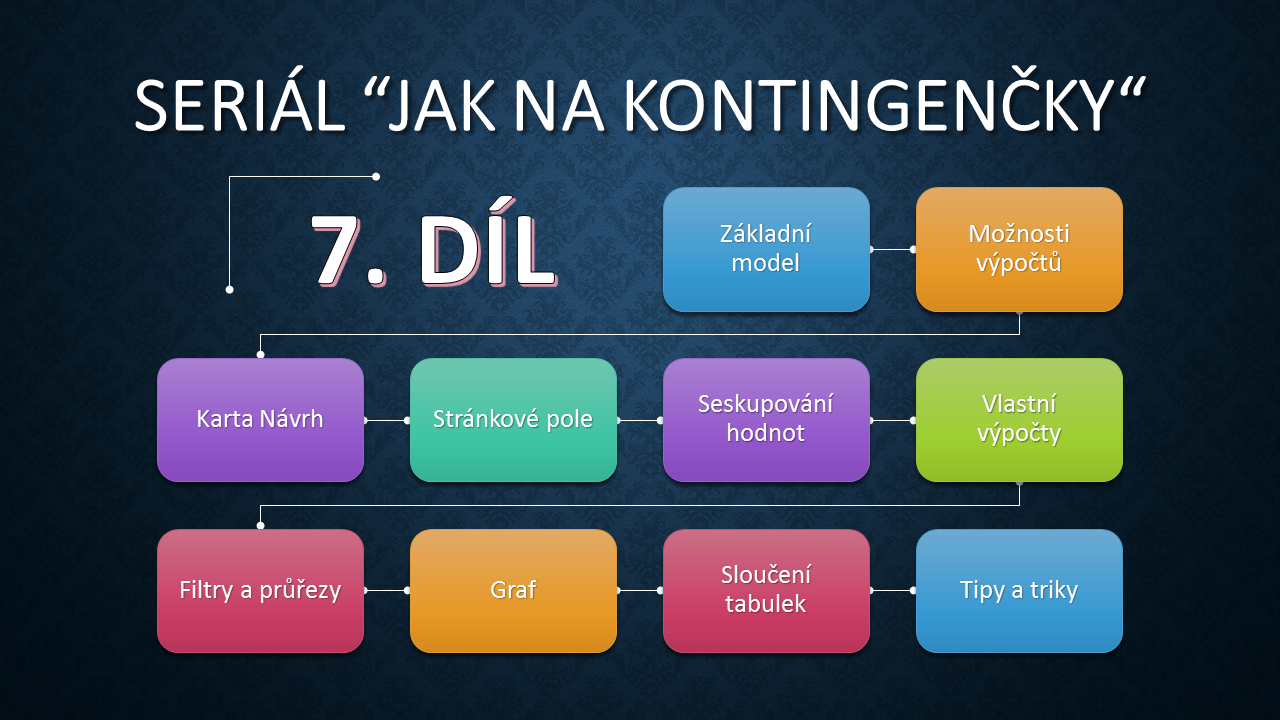
47. Videotutorial – Deal with Pivot Tables 7 – Filters, Slicers, Timelinesyt

47. Videotutorial – Deal with Pivot Tables 7 – Filters, Slicers, Timelines

Another episode of tutorials Deal with Pivot Tables continues with the topic Filters, Slicers and Timelines. You will see how to filter simple conditions, find top values and especially use Slicers and Timelines to find what you are looking for. You can even filter in multiple Pivot Tables at once. If this guide has helped you, become a fan […]
Camera Toolfotoaparat

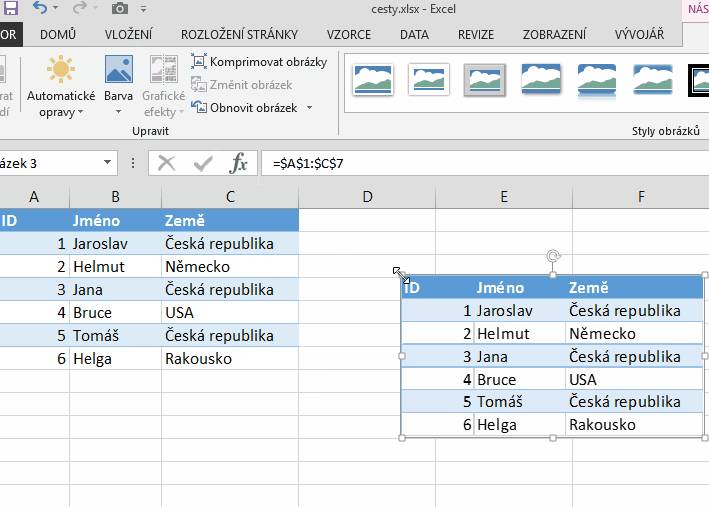
Camera Tool

Do you need in Excel at some point to see what is in another table? To have a live picture of the data from another area, you can use the Camera tool which can achieve this. Check the instructions to set up this simple helper. If this guide has helped you, become a fan on Facebook and […]

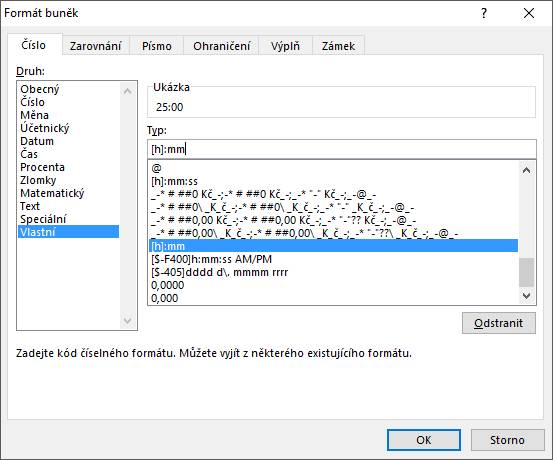
Format time over 24 hoursformat 24 hodin

Format time over 24 hours

In tables working with time values is sometimes necessary to calculate a period longer than 24 hours. If the result is not format correctly, you will not get the desired value, because by default, Excel does not calculate the time exceeding 24 hours. But just change the custom cell format and the correct number appears. See […]

46. Videotutorial – Deal with Pivot Tables 6 – Calculated fieldyt

46. Videotutorial – Deal with Pivot Tables 6 – Calculated field

Another episode of tutorials Deal with Pivot Tables continues with the topic Calculated field. Without changing the source table we will create a new column with a formula. You will learn how a field is added to the table, or to influence the source data and then update the PivotTable. If this guide has helped you, become a fan […]
45. Videotutorial – Deal with Pivot Tables 5 – Groupingyt1

45. Videotutorial – Deal with Pivot Tables 5 – Grouping

Another episode of tutorials Deal with Pivot Tables continues with the topic Grouping of dates of intervals. You can simply view the summary according to time of year, for example total for each month or quarter. Also you can see the value in increments of thousands or in other units. If this guide has helped you, become a […]

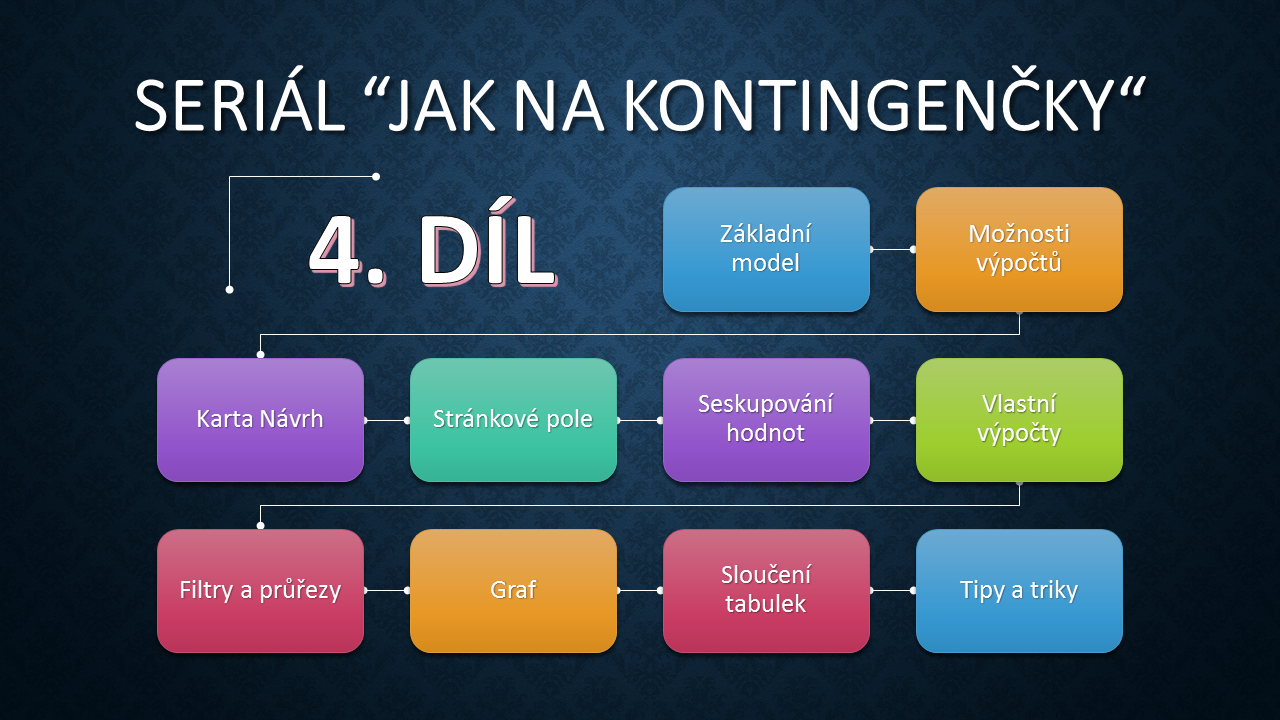
44. Videotutorial – Deal with Pivot Tables 4 – Page fieldyt

44. Videotutorial – Deal with Pivot Tables 4 – Page field

Another episode of tutorials Deal with Pivot Tables continues with the topic Page field. It serves not only for filtering, this can produce several detailed Pivot tables according to the selected criteria. If this guide has helped you, become a fan on Facebook and recommend this site to your friends, it can be useful for them too. Please note […]

Scroll to Top