Petr Kohoutek

Excel training

Excel training

Excel is an effective tool for managing data in tables. The easiest way to learn to work in it, is to attend Excel training. Learn how to create, edit, combine tables, use the tools of filtering functions over to the summaries and pivot tables. You may be surprised what you can do in Excel and […]
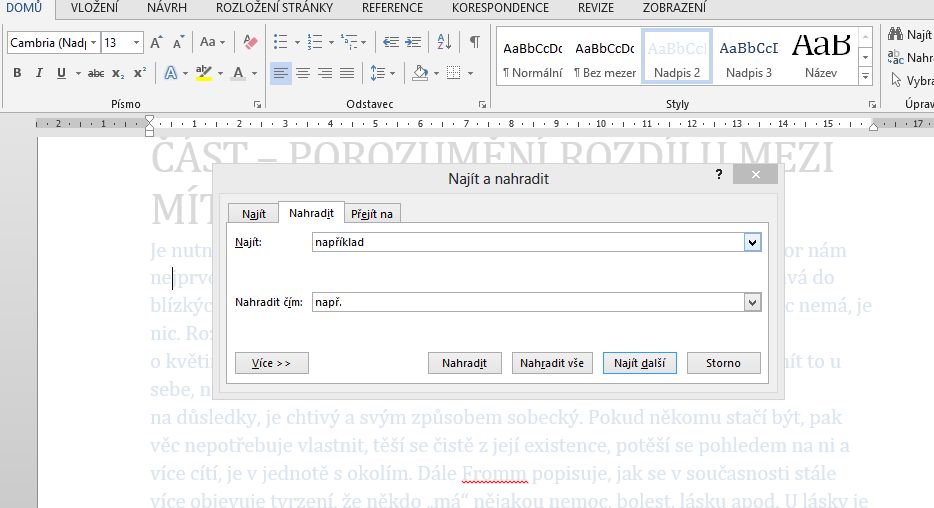
14. Videotutorial – mass replacing of textnahrazeni

14. Videotutorial – mass replacing of text

In a Word document, PowerPoint presentation, or Excel spreadsheet you can have values that you want to replace with something else. To avoid having to manually scroll through text one by one, use the tool to mass replacement of one value by another. It can be used eg. to replace two single spaces, moving one-letter prepositions […]

13. Videotutorial – chart in three secondsgraf

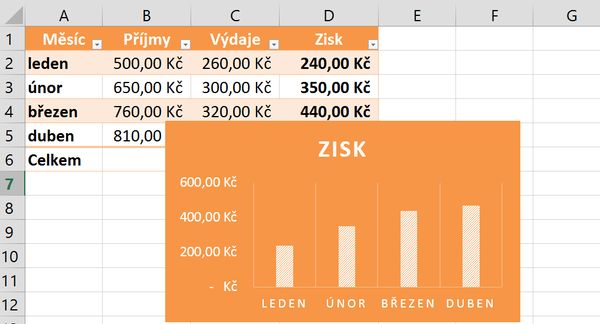
13. Videotutorial – chart in three seconds

Creating a chart may not take minutes or hours. Using simple trick you’ll have it in a few seconds. In the video you can find a way to create a chart, but it is not the only way. Remember that the key to success is to have properly created source table and the data correctly selected. Wrong data […]

12. Videotutorial – automatic signature in emailpodpis

12. Videotutorial – automatic signature in email

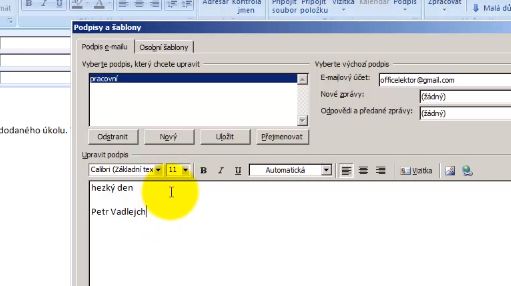
In Outlook we can set automatic signature to new messages, the replies or forwarded messages. Greeting card, logo … all can be saved inside a signature. It adds itself to a message, or you can choose from several signatures precisely the one that we want to connect to the message. How to create such a signature you will […]

11. Videotutorial – format painterkopie formatu

11. Videotutorial – format painter

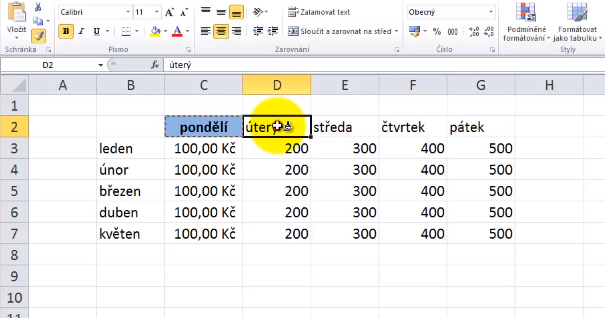
It also happens that you have to repeatedly change the color, font type or cell borders? End of slavery … to copy the appearance of one cell to another, use the Format painter tool. How to do it? Look at this minute video widgets. The same procedure can also be used for transferring the appearance […]

10. Videotutorial – table of contents from multiple documentspole rd

10. Videotutorial – table of contents from multiple documents

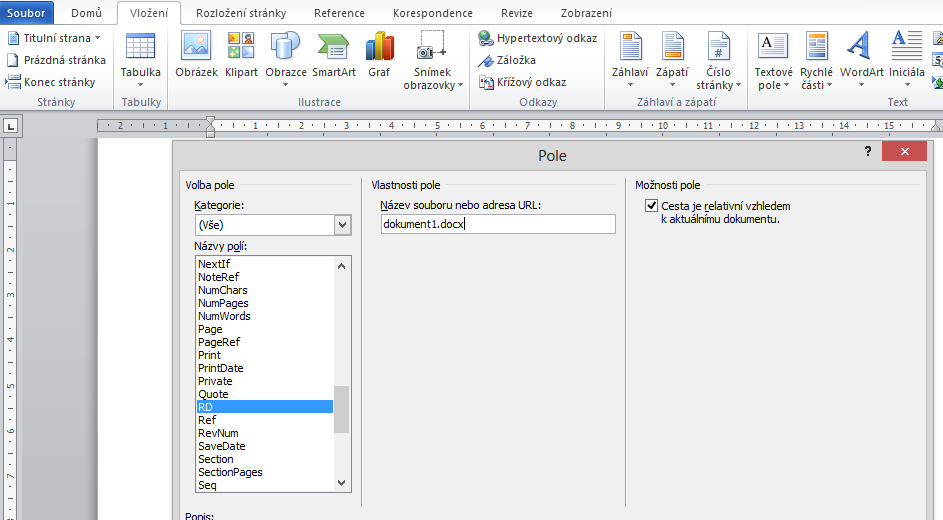
To make a table of content in Word is not a complicated thing, but what if you want to generate content from multiple documents at once? You can apply styles to and RD field. The tenth video, by which everybody can handle it, you can see here. If you have questions or something is not working as […]

Change of grammar language for whole presentationvba 1

Change of grammar language for whole presentation

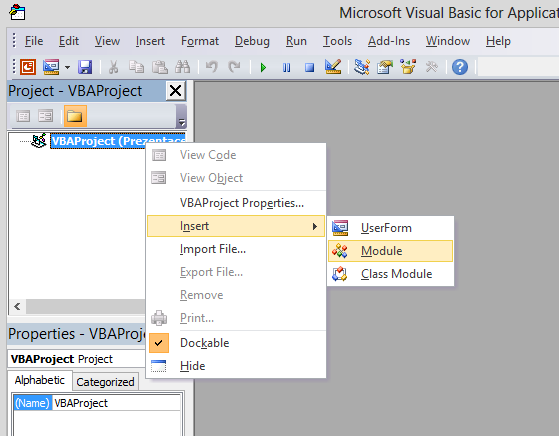
I often hear about how to change the language grammar checker in a presentation on all slides at once. In text fields it is possible after their creation to change the language on the Review tab, or the status bar, but this change is not reflected to the other text boxes. Such long work is perhaps not fun, and […]

Scroll to Top