(Čeština) Návod na TeamViewer
Sorry, this entry is only available in Czech.

Sorry, this entry is only available in Czech.
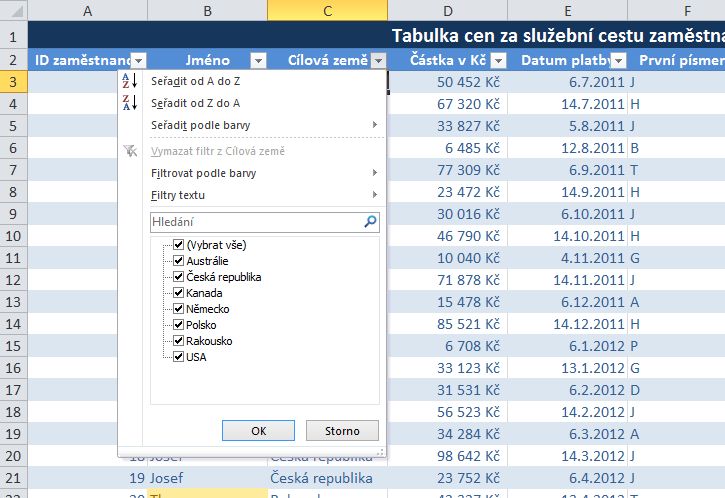
In large tables it is not easy to navigate and quickly find what you need. This tool will serve AutoFilter, which is presented inside the video. Learn how to turn it on, how to set one or more conditions, and how to use a new feature – filtering by color. If this guide has helped you, become a […]
Sorry, this entry is only available in Czech.
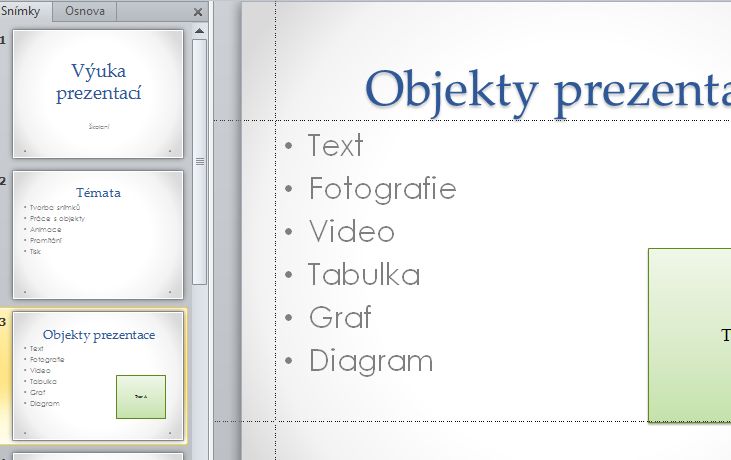
In presentations we have often the problem of text align in the same place on all slides. Aligning it manually is quite time-taking :-). Therefore you can use eg. the helping guides that can align objects on all slides presentation at the same place. How to turn, copy and move them, you will learn in this video. Laso […]
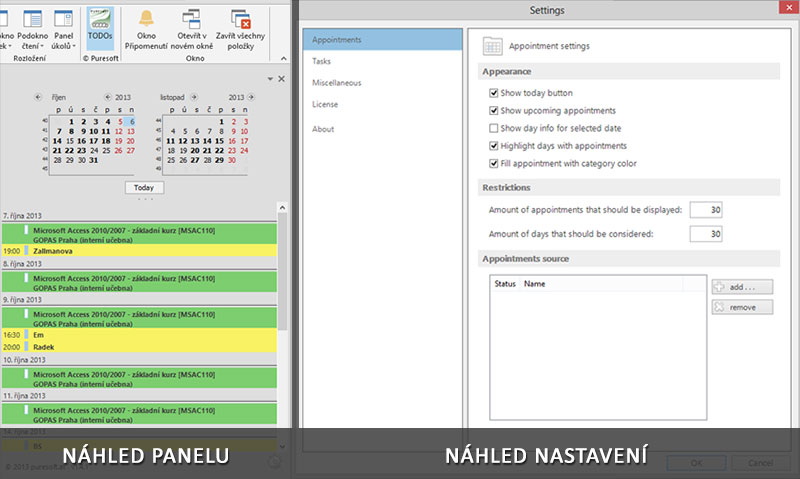
Are you also unpleasantly surprised to find that Outlook 2013 no longer show the task bar with all upcoming events, but only for one selected day? Personally I very miss this tool that in Outlook 2010 was available and worked very well. That’s why started to search for a solution, if it would be possible to do something […]
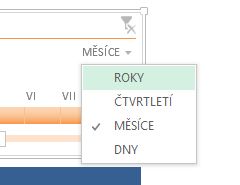
One of the new features introduced by the developers of Microsoft Excel version 2013 is the timeline. In the 2010 version had preceded the tool Slicer of Pivot tables, of which you will learn more in the video. The pivot table is a general summary tool used for analyzing data. It can display effectively and comprehensively summary […]
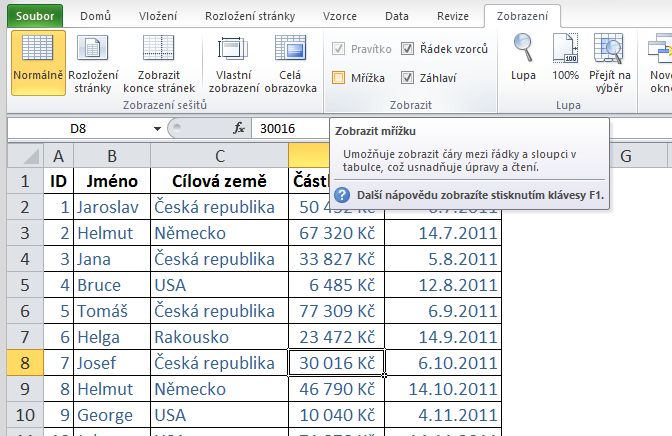
It happens to everyone in life, that suddenly you do not see the Excel cell gridlines and no matter what you do, you can not show it back? The solution is not difficult, only to find it. How to do it, you will learn just in this video. Hiding the grid does not have to be on your […]