Tag: office

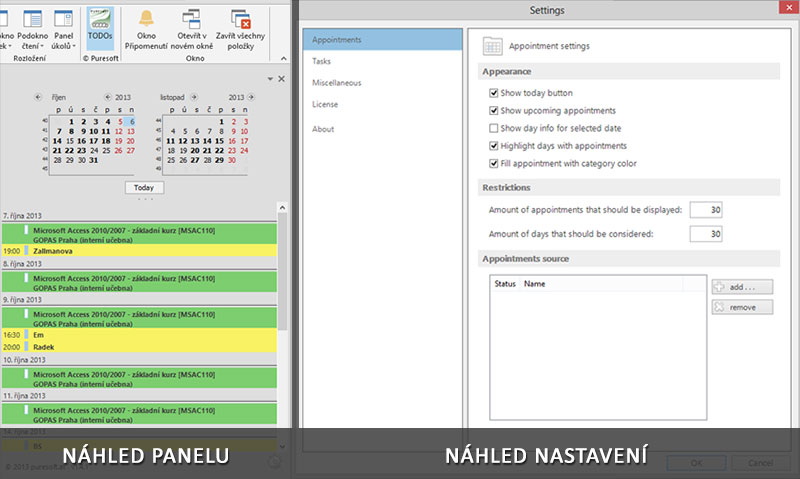
Task pane calendar in Outlook 2013todopane

Task pane calendar in Outlook 2013

Are you also unpleasantly surprised to find that Outlook 2013 no longer show the task bar with all upcoming events, but only for one selected day? Personally I very miss this tool that in Outlook 2010 was available and worked very well. That’s why started to search for a solution, if it would be possible to do something […]
Timeline in a PivotTableosa3

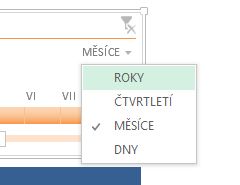
Timeline in a PivotTable

One of the new features introduced by the developers of Microsoft Excel version 2013 is the timeline. In the 2010 version had preceded the tool Slicer of Pivot tables, of which you will learn more in the video. The pivot table is a general summary tool used for analyzing data. It can display effectively and comprehensively summary […]

15. Videotutorial – cells gridlines disappearedmrizka

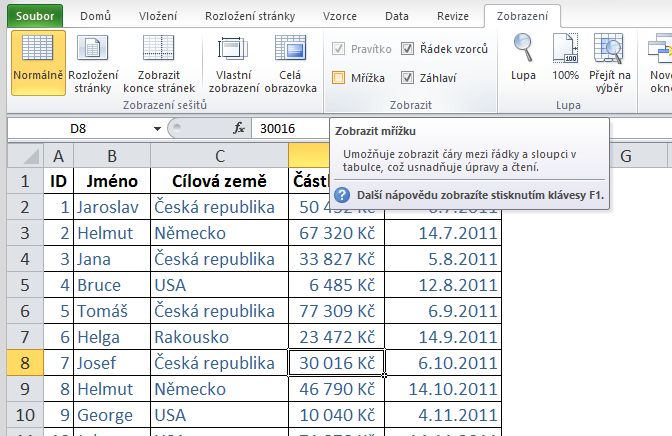
15. Videotutorial – cells gridlines disappeared

It happens to everyone in life, that suddenly you do not see the Excel cell gridlines and no matter what you do, you can not show it back? The solution is not difficult, only to find it. How to do it, you will learn just in this video. Hiding the grid does not have to be on your […]

Excel training

Excel training

Excel is an effective tool for managing data in tables. The easiest way to learn to work in it, is to attend Excel training. Learn how to create, edit, combine tables, use the tools of filtering functions over to the summaries and pivot tables. You may be surprised what you can do in Excel and […]

14. Videotutorial – mass replacing of textnahrazeni

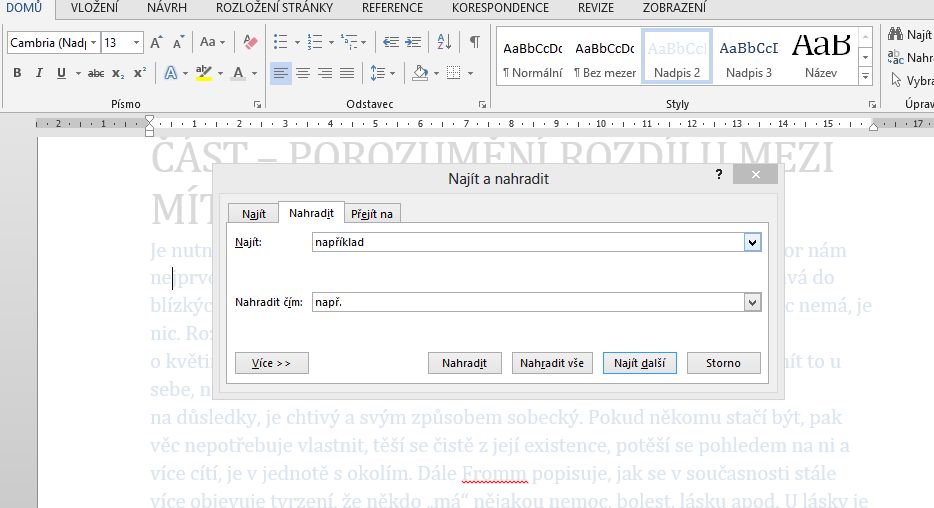
14. Videotutorial – mass replacing of text

In a Word document, PowerPoint presentation, or Excel spreadsheet you can have values that you want to replace with something else. To avoid having to manually scroll through text one by one, use the tool to mass replacement of one value by another. It can be used eg. to replace two single spaces, moving one-letter prepositions […]

13. Videotutorial – chart in three secondsgraf

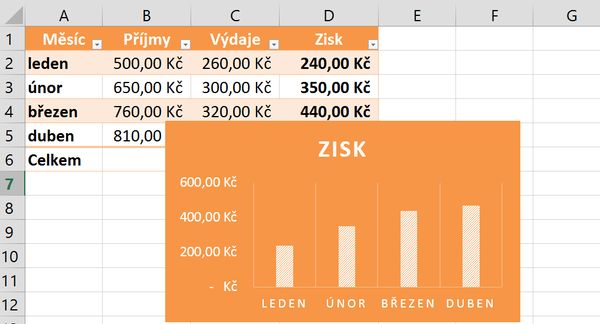
13. Videotutorial – chart in three seconds

Creating a chart may not take minutes or hours. Using simple trick you’ll have it in a few seconds. In the video you can find a way to create a chart, but it is not the only way. Remember that the key to success is to have properly created source table and the data correctly selected. Wrong data […]

12. Videotutorial – automatic signature in emailpodpis

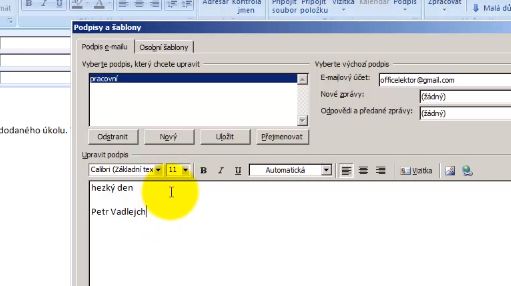
12. Videotutorial – automatic signature in email

In Outlook we can set automatic signature to new messages, the replies or forwarded messages. Greeting card, logo … all can be saved inside a signature. It adds itself to a message, or you can choose from several signatures precisely the one that we want to connect to the message. How to create such a signature you will […]

Scroll to Top