Petr Kohoutek

Insert Screenshotinsert printscreen main

Insert Screenshot

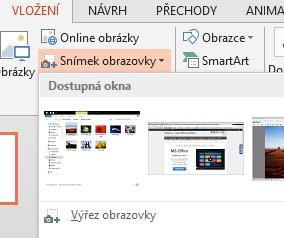
When creating presentations or other documents sometimes we need to insert an image of another open window or its crop part. In Windows, you can use Snipping Tool, which you already could read in the previous tutorial. In Microsoft Office there’s another way to insert the screenshot. Read in this manual, what needs to be done. If […]
41. Videotutorial – Deal with Pivot Tables 1 – Basic modelyt

41. Videotutorial – Deal with Pivot Tables 1 – Basic model

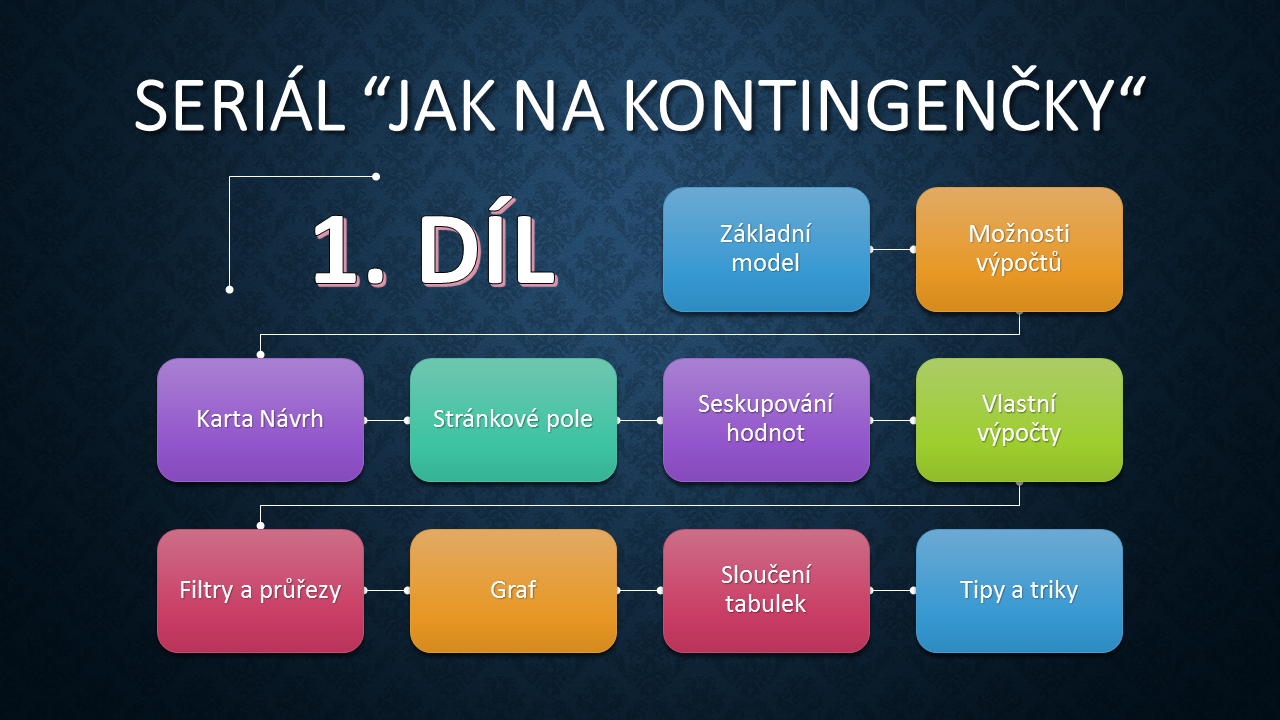
The video series Deal with Pivot Tables starts with a tutorial Basic model. You will learn how to create a simple Pivot table in Excel. If this guide has helped you, become a fan on Facebook and recommend this site to your friends, it can be useful for them too. Please note that this tutorial is presented in czech […]

Table transposetranspozice

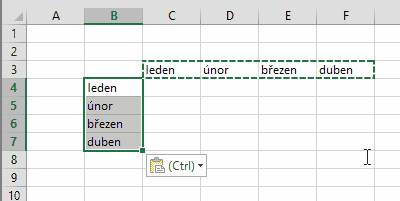
Table transpose

Do you have wrong direction of a table and you do not want to rewrite the cells from a column in a row? Use a simple trick and Excel will do all that is necessary. Read in this manual, what needs to be done. If this guide has helped you, become a fan on Facebook […]

Try Windows 10 and Office 2016win10 2

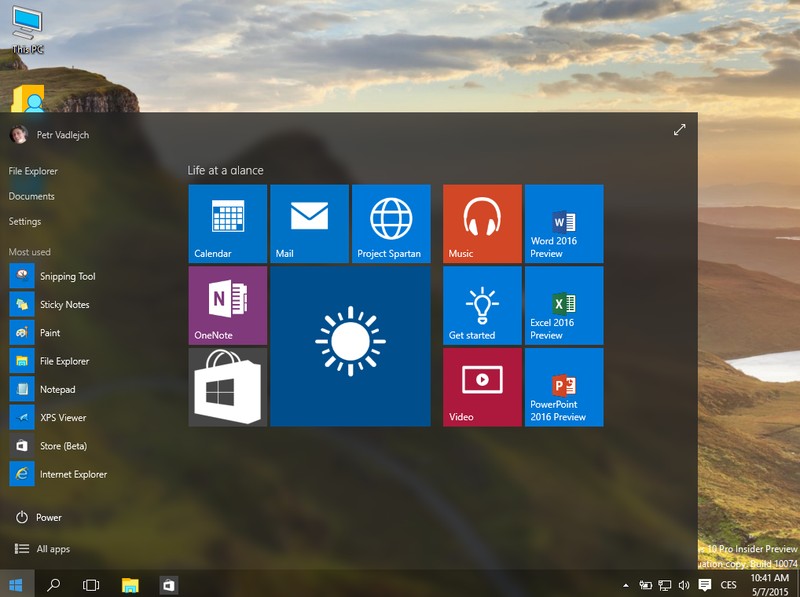
Try Windows 10 and Office 2016

Are you a fan of innovations in software? In this manual you will find useful information on how to obtain a free test version of new operating system Windows 10 and Office suite Microsoft Office 2016 before the release of the full version. All links lead to official sources. If this guide has helped you, become a fan […]

Presenter viewpresenter01

Presenter view

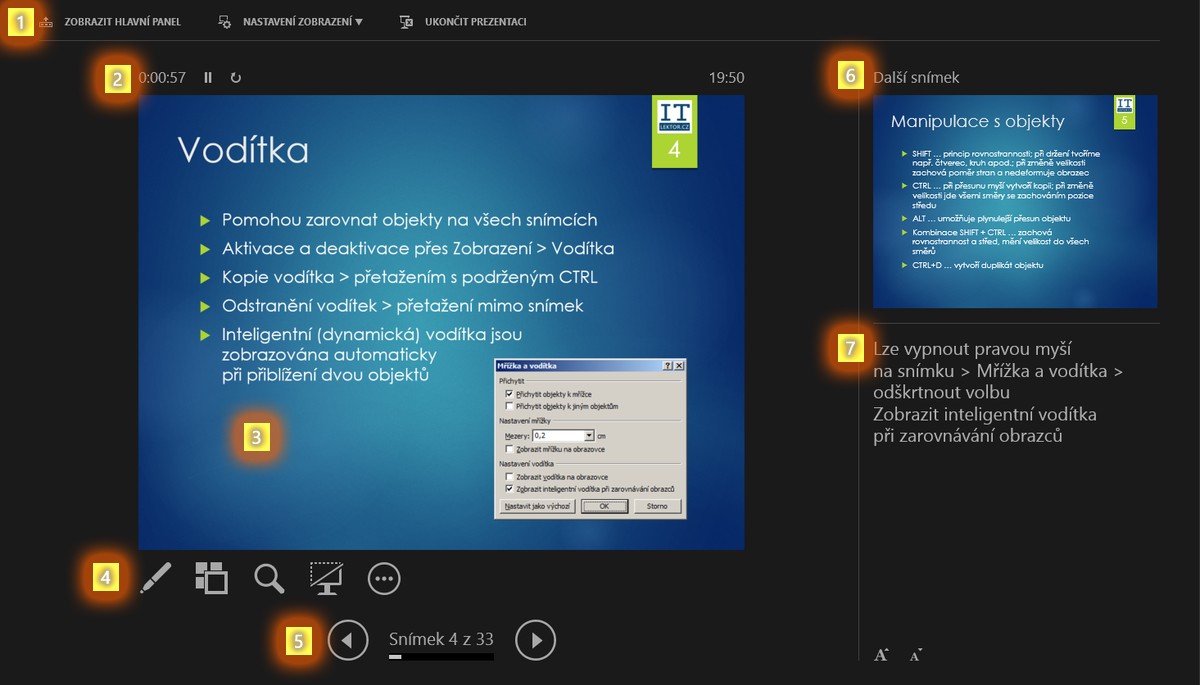
Many of you certainly not only create the presentation, as well as present them to your colleagues or other training participants. To give you a better overview of the entire slideshow, easy to orient in your notes while switching the screening windows could disturb the audience, use a special tool for presenters called Presenter view that is integrated directly within PowerPoint. In […]

Scroll to Top