Petr Kohoutek

31. Videotutorial – Dissertation: Heading stylesdiplomky1

31. Videotutorial – Dissertation: Heading styles

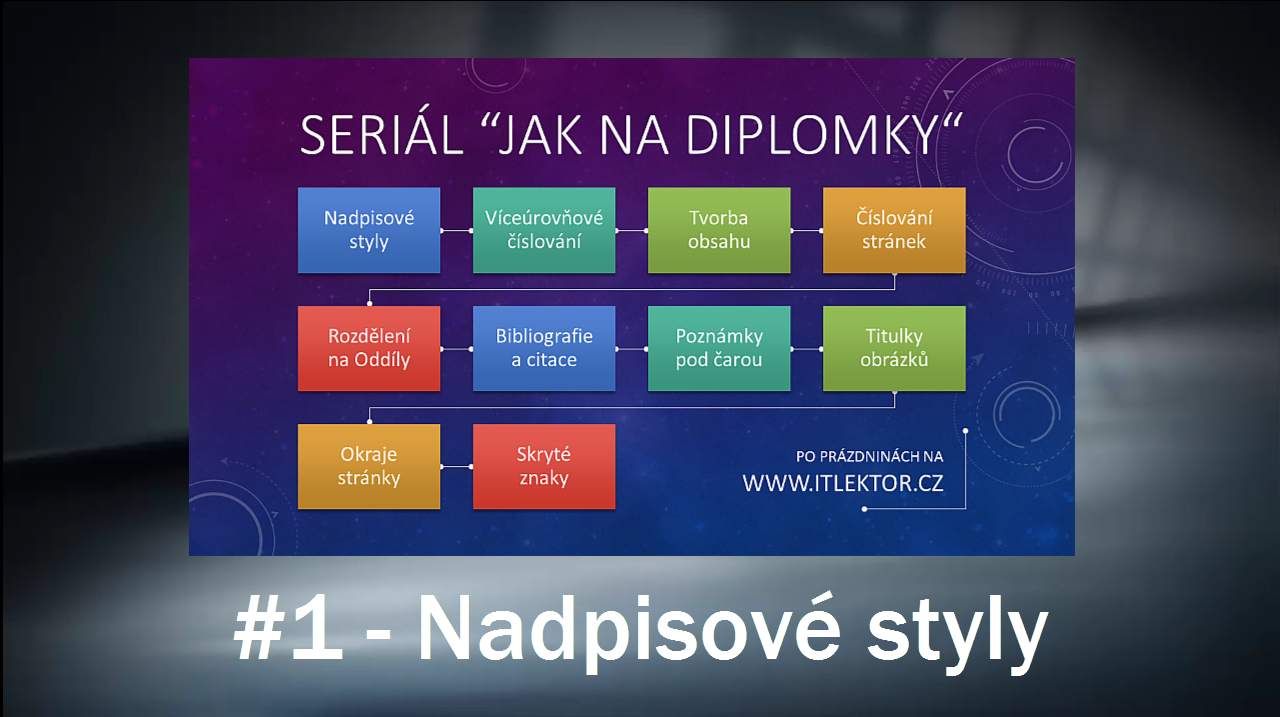
The series Deal with Disserations begins with a topic Heading Styles. See how to set styles and prepare them for the whole thesis simply and quickly. If this guide has helped you, become a fan on Facebook and recommend this site to your friends, it can be useful for them too. Please note that this tutorial is presented […]
Too small comments font sizekom1

Too small comments font size

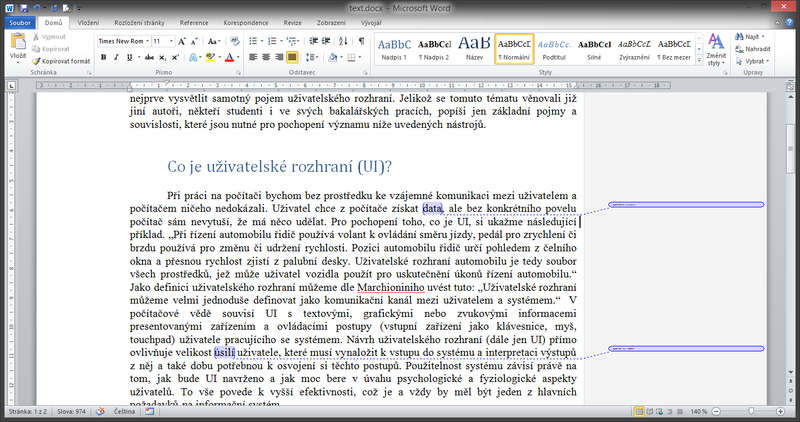
Have you ever seen that the font size in Word comments become so diminished that the comments were unreadable? Font size has mysteriously changed to 1 point. Sometimes this happens, but there is a possibility of fix that. This article describes how to properly set the size of comments into readable form. If this guide has […]

How to print presentation notespoznamky1

How to print presentation notes

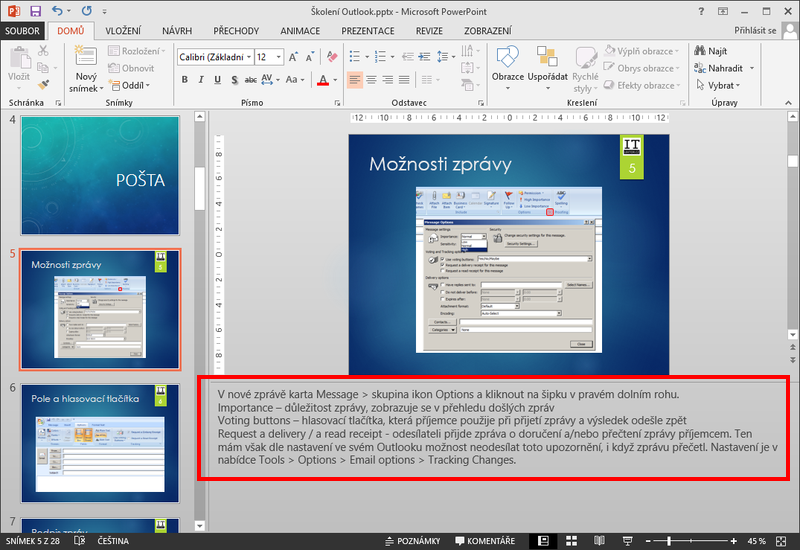
Presentations should contain only the key points that the speaker is talking about. It makes no sense to read long sentences to the audience, who can read in the slide themselves. If you want to have on hand slide notes that with your comments, you can have written them inside PowerPoint slides and then clearly print. […]

Import data to organization chartimport10

Import data to organization chart

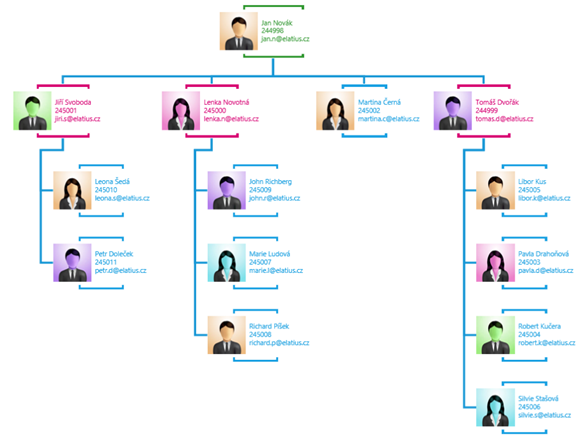
Did you know that it is possible to make organizational chart in Visio by simply a few clicks from the table in Excel? In addition to the standard procedure dragging shapes from a stencil to a drawing this program has integrated data import wizard. Step by step the can user go through uploading data from another file, […]

Static and dynamic connectorsspojnice6

Static and dynamic connectors

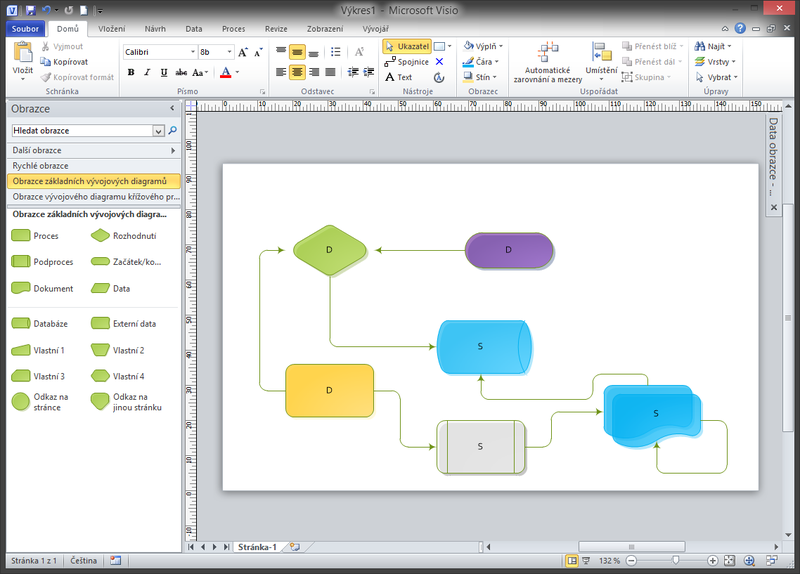
When creating shapes in the drawing it is needed to use the connector. These lines allow to link two shapes with each other, can have different types and arrows, color and thickness. Essential for these connectors is a specific connection point on the edge of shapes. we are talking about the so-called Connecting points. These points are […]

Live slideshow broadcastvysilani1

Live slideshow broadcast

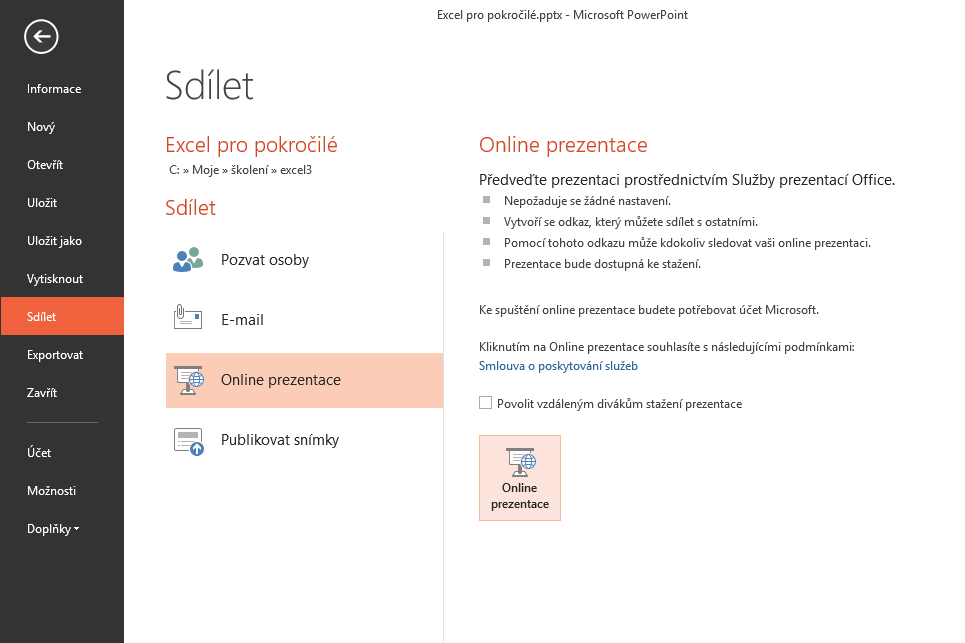
You need to present information to different users who can not personally attend your meeting? Never mind, advantage of using the online broadcasting in PowerPoint is that they can all be connected through a web browser. Just send them a link that PowerPoint generates and they enter this into their browser. Once you start your slideshow, they will […]

Setting new reportsestava07

Setting new report

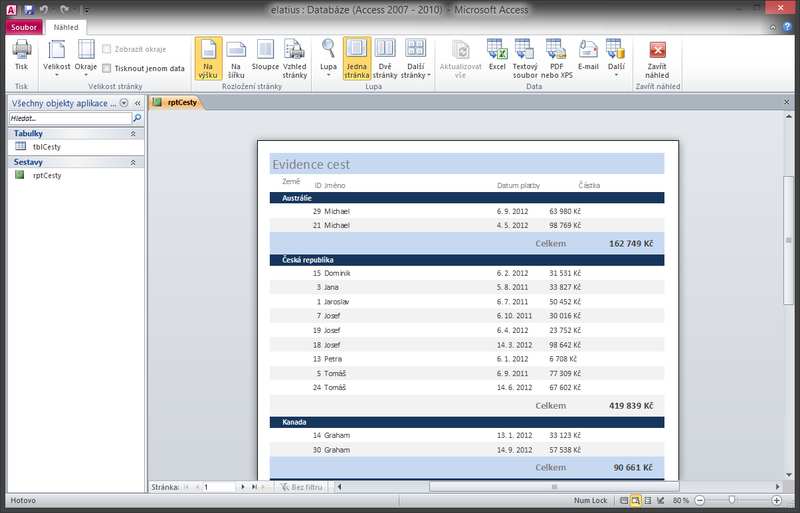
Access Reports are designed for printouts. The proposed structure of the graphical elements is filled with data from tables or queries, and printed on paper like Word documents. The difference between the reports and forms is mainly in the fact that the report do not serves to edit the data, make changes, deleting or inserting records. Reports […]

Scroll to Top