Tag: excel

Excel training

Excel training

Excel is an effective tool for managing data in tables. The easiest way to learn to work in it, is to attend Excel training. Learn how to create, edit, combine tables, use the tools of filtering functions over to the summaries and pivot tables. You may be surprised what you can do in Excel and […]
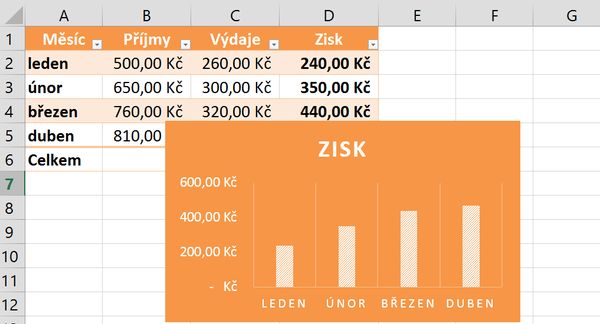
13. Videotutorial – chart in three secondsgraf

13. Videotutorial – chart in three seconds

Creating a chart may not take minutes or hours. Using simple trick you’ll have it in a few seconds. In the video you can find a way to create a chart, but it is not the only way. Remember that the key to success is to have properly created source table and the data correctly selected. Wrong data […]

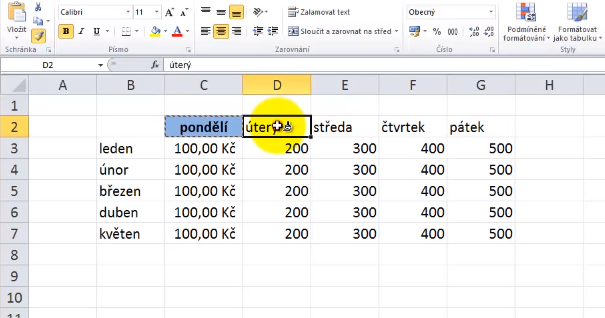
11. Videotutorial – format painterkopie formatu

11. Videotutorial – format painter

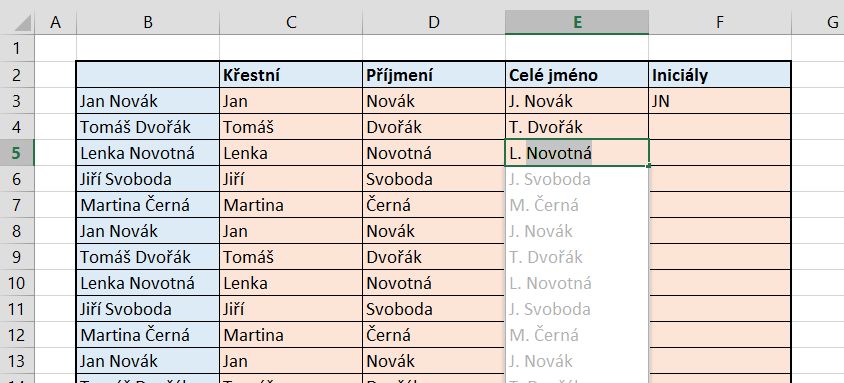
It also happens that you have to repeatedly change the color, font type or cell borders? End of slavery … to copy the appearance of one cell to another, use the Format painter tool. How to do it? Look at this minute video widgets. The same procedure can also be used for transferring the appearance […]

9. Videotutorial – freeze panes in v Excelupricky

9. Videotutorial – freeze panes in v Excelu

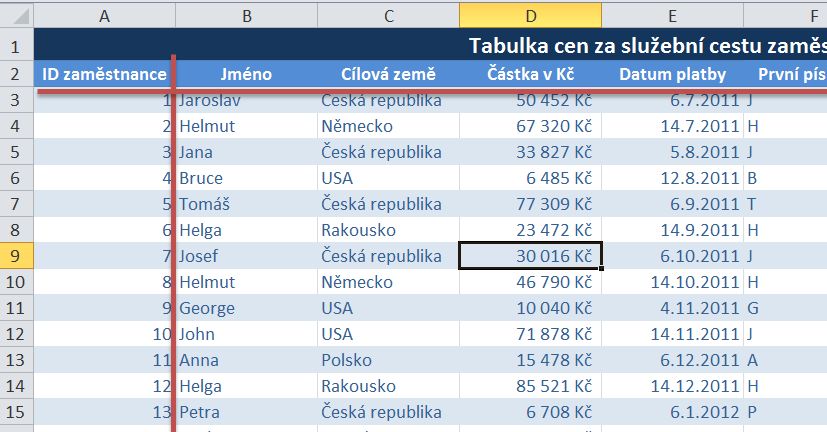
For larger tables in Excel often happens that when you scroll down or right mouse it will hide heading rows or columns, and so we lose sight of the importance of information displayed. To avoid this, you can use a tool of freeze panes. How this work and what can it do, you will learn in this free […]

6. Videotutorial – select blank cellsprazdnebunky

6. Videotutorial – select blank cells

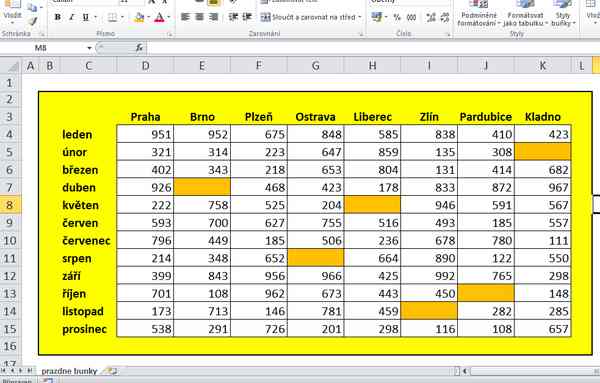
I have prepared another video; and this time we are back to Excel, which will introduce a quick tweaks to select empty cells. You need the table quickly find and select blank cells? This trick saves a lot of time. See one minute video and everything also try on the attached file. If this guide has helped you, become […]

Scroll to Top